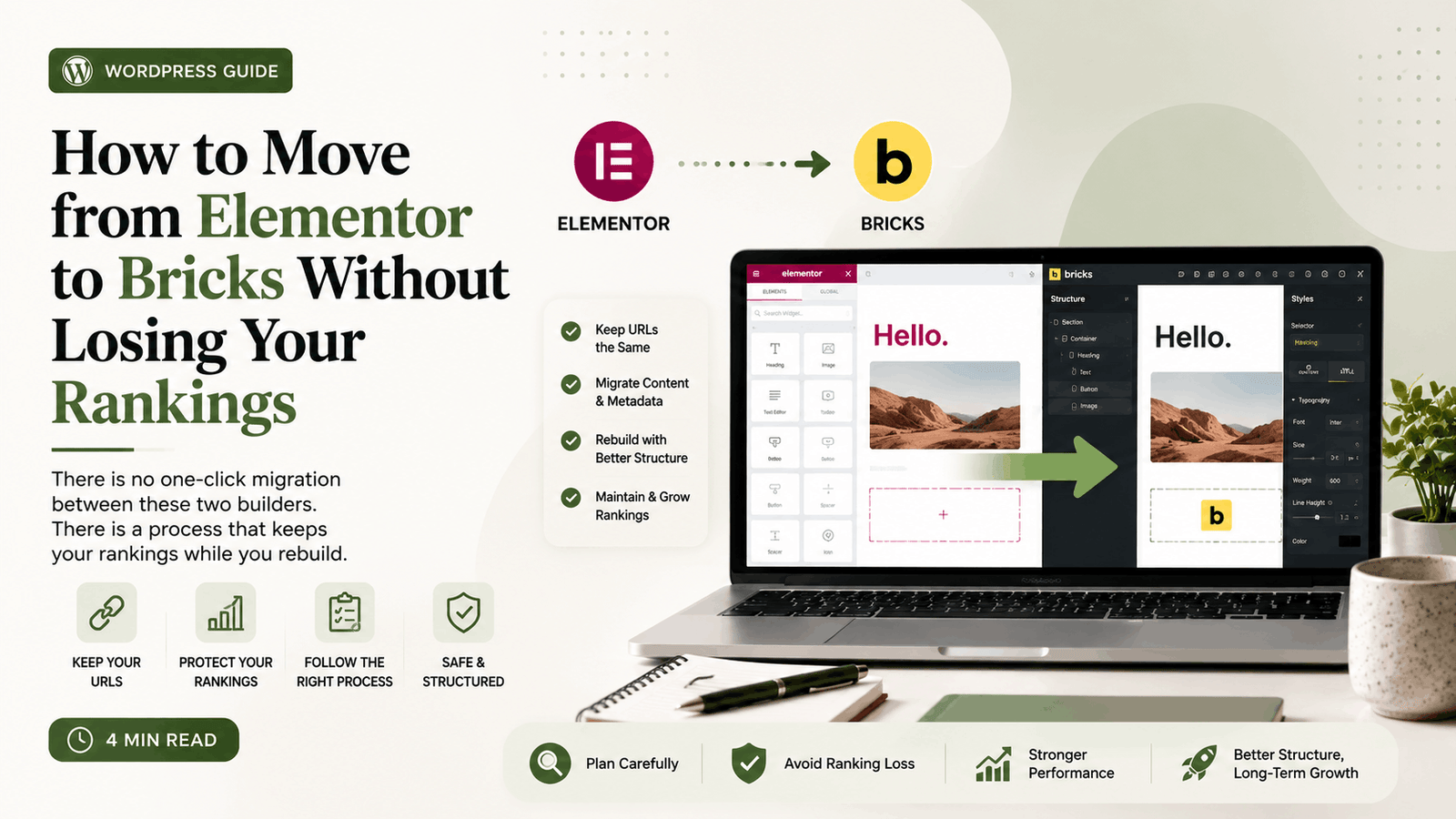
Let us deal with the disappointing part first. There is no converter that turns Elementor layouts into Bricks layouts. Both builders store their output as their own markup, and neither can read the other’s. Anyone selling you a one-click migration is selling you a rebuild with extra steps.
What can be preserved perfectly is everything Google cares about: your URLs, your metadata, your images, your internal linking and your content. Rankings do not live in the builder. They live in the structure around it, and structure migrates cleanly if you plan for it.
Before you touch anything: build the inventory
Export every indexed URL from Search Console. Not your sitemap, not your menu, the actual Coverage report of what Google has. Those are the URLs that must survive.
For each one, record the URL, the current title tag, the meta description, the H1, and roughly what the page ranks for. A spreadsheet is fine. This document is what you check the new site against, and building it takes an afternoon that will save you a month of guessing later.
Also note which pages carry traffic. On most sites, ten pages produce most of the organic visits. Those ten need more care than the other ninety.
Rebuild on staging, never on live
Clone the site to a staging environment and rebuild there. This sounds obvious and gets skipped constantly, usually because the staging environment is slightly inconvenient to set up.
Two things to check on staging before you build anything: it must be noindexed, and it must not be sending email. A staging site indexed by Google competes with the live one, and a staging site with a working contact form sends real enquiries into a mailbox nobody is reading.
Rebuild templates, not pages
The temptation is to work through the site page by page. Resist it. Build the templates first: header, footer, blog archive, single post, and each recurring page layout. Then pages become content poured into finished containers rather than fifty separate design decisions.
This is also the moment to fix what was wrong. Most Elementor sites accumulate inconsistency: headings at four sizes, section padding that varies by page, three different button styles. Rebuilding is your chance to define these once. If you replicate the old site exactly, you have paid for a rebuild and kept the drift.
Keep the URLs identical
Every URL that exists now should exist afterwards, at the same address. This is the single most important rule of the migration.
If a URL genuinely must change, it needs a 301 redirect from the old address to the new one, in place on launch day rather than added the week after. A 404 on a page that was ranking loses the ranking, and recovering it takes months if it happens at all.
Watch for the quiet ones: attachment pages, category and tag archives, paginated archives, and any URL an old campaign pointed at. These do not appear in your menu and they do appear in Search Console.
Carry the metadata across deliberately
Title tags and meta descriptions live in your SEO plugin, not in Elementor, so they usually survive a builder change untouched. Usually is not always.
Check a sample of pages after the rebuild against your inventory. Watch particularly for pages where the SEO plugin was pulling the title from an Elementor heading, because that link can break silently and leave you with a default title on a page that used to have a good one.
Watch the H1
Elementor sites frequently have heading levels applied by eye rather than by structure: an H2 used because it looked the right size, two H1s on a page, or a heading level skipped entirely.
Fix it during the rebuild. One H1 per page, containing the actual subject. Then H2 for sections and H3 beneath them, in order. This is a small change that consistently helps.
Do not lose the images
Images stay in the media library and survive the builder change, but two things regularly go wrong.
Alt text applied inside Elementor rather than in the media library disappears with the builder. Check it, because alt text is both an accessibility requirement and a source of image search traffic.
And image URLs must not change. If you re-upload images during the rebuild, WordPress appends a suffix, the old URLs 404, and any image search rankings go with them.
The launch sequence
Crawl the staging site with a tool like Screaming Frog and compare it against your inventory. Every URL present, every title populated, no broken internal links, no unintended noindex tags.
Then push to live, remove the staging noindex, submit the sitemap in Search Console, and request indexing on your ten most important pages.
Then watch. Check Search Console daily for two weeks for coverage errors and 404s. Expect a small ranking wobble for a few days while Google recrawls. If a page drops and does not recover within about three weeks, something structural changed and the inventory will tell you what.
Was it worth it?
If the reason is purely speed, be honest about the alternative: a well-optimised Elementor site is fast enough for most businesses, and optimising is cheaper than rebuilding.
The rebuild pays off when you also want cleaner structure, a consistent design system, and a site your developer can maintain without fighting the builder. Speed is a benefit, not usually a sufficient reason on its own.
If you would rather this was handled without the risk sitting on your side, migrations are part of my WordPress development work, and the contact page is the place to start.
Frequently asked
Can I convert Elementor pages to Bricks automatically?
No. The two builders store layouts in their own formats and neither reads the other. Any migration is a rebuild of the layouts, with content, URLs and metadata carried across.
Will I lose rankings moving from Elementor to Bricks?
Not if the URLs, titles, descriptions, heading structure and internal links stay the same. Rankings are attached to those, not to the builder. Losses happen when URLs change without redirects or metadata breaks silently.
How long does an Elementor to Bricks migration take?
For a typical small business site, one to three weeks depending on how many distinct layouts exist. Page count matters much less than layout variety.
Should I migrate just to improve page speed?
Usually not on its own. A well-optimised Elementor site is fast enough for most businesses, and optimising costs far less than rebuilding. The rebuild makes sense when you also want cleaner structure and a consistent design system.

Written by
Sehrish Khalid
WordPress Developer & UI/UX Designer. 7+ years, 500+ projects.